DIY Monitoring Side Display
Goal
I want to fully control most devices in my room and monitor the performance and power consumption of my PC and server, so I am building a DIY monitoring side display.
This will be split into two series:
- A high-performance side display based on Raspberry Pi.
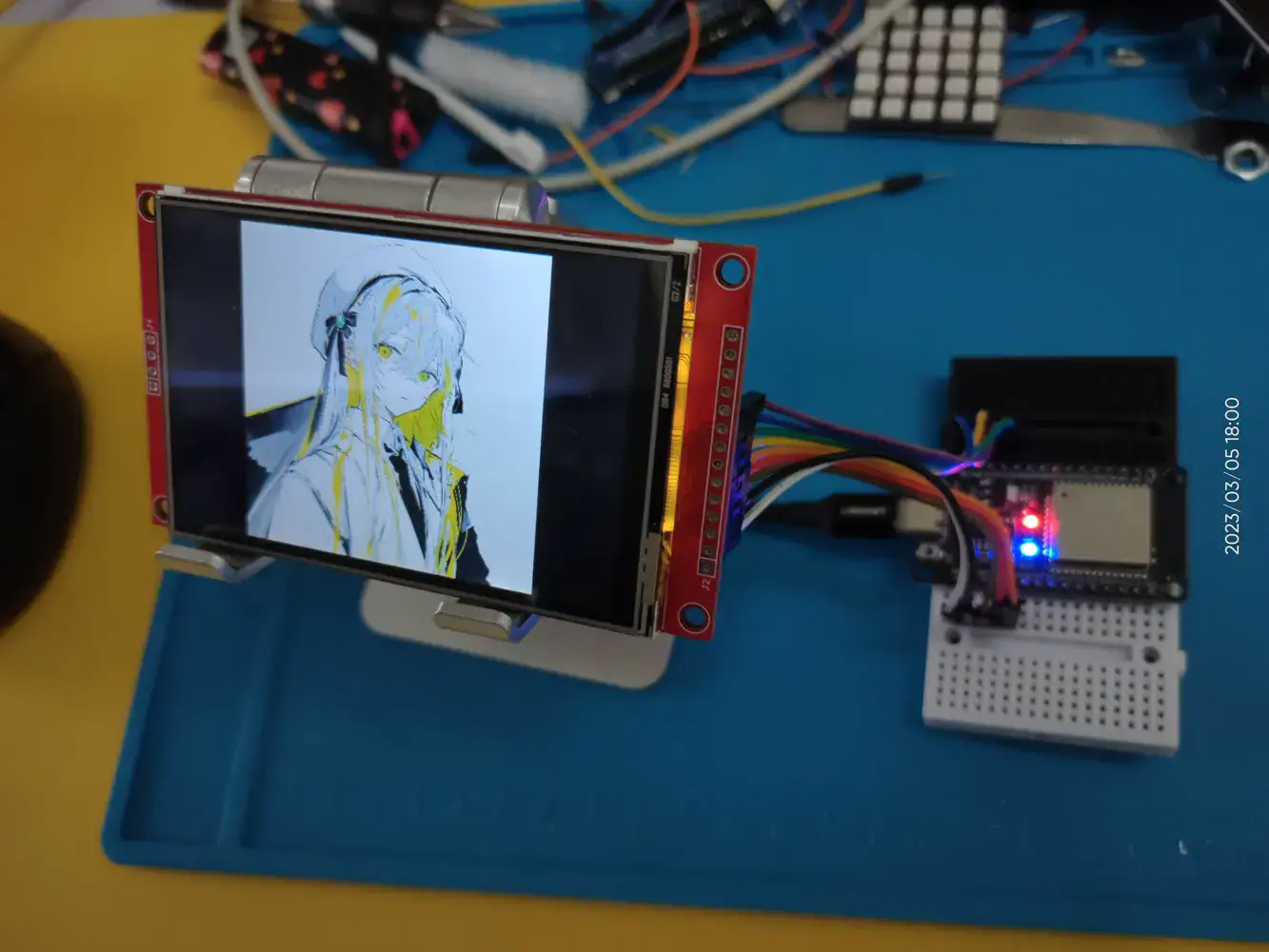
- A low-power side display based on ESP32.
Raspberry Pi Home Assistant Monitoring Side Display
Goal: use it as a smart-home monitoring side display.
Hardware: Raspberry Pi 5 + 7-inch touch screen + 3D-printed enclosure, still to be finished.
Software: Ubuntu 25 + Home Assistant
UPDATE 2025/11/15
Overview
TODO:
[ ] Connect LLM APIs, both local and remote, connect to the Home Assistant MCP, and implement a Mijia-control experience similar to Xiaoai.
[x] Design the 3D-printed enclosure.
3D Enclosure Design
Version v0.1:
Feature: implements the basic enclosure structure. The screen is fixed by magnets and the shell. The rear shell has cooling slots, and the bottom has anti-slip pads.
Issues:
- The shell was too thin. The slicer wall-loop count was only 2, which was too low, so the frame did not connect properly and the rear cover separated.
- The base was not deep enough, only 8mm, so it could not fit the Raspberry Pi plus the mini-HDMI cable.
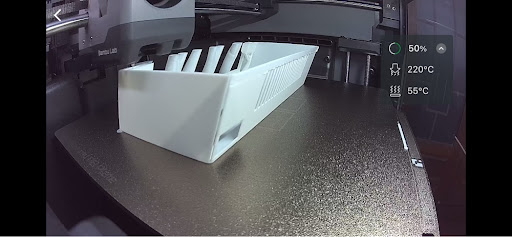
v0.1
Version v0.2:
Feature: thickened the shell to 3mm, changed the wall-loop count to 5, switched to black filament, and increased the base depth to 100mm.
Issues:
- Some generated supports were too small. The default Bambu support-printing speed was too high, 150mm/s, so the supports did not cool in time before the next layer. This finally caused a spaghetti failure, and some supports fused onto the structure and were hard to remove.
- I did not fully account for PLA shrinkage and the inward shrinkage of this 3D-printed structure. The screen frame only reserved 0.4mm of clearance, so the screen could not fit into the structure.
- There were no cooling slots on the top. Heat could not escape, and the Raspberry Pi fan ran too fast, causing noise.
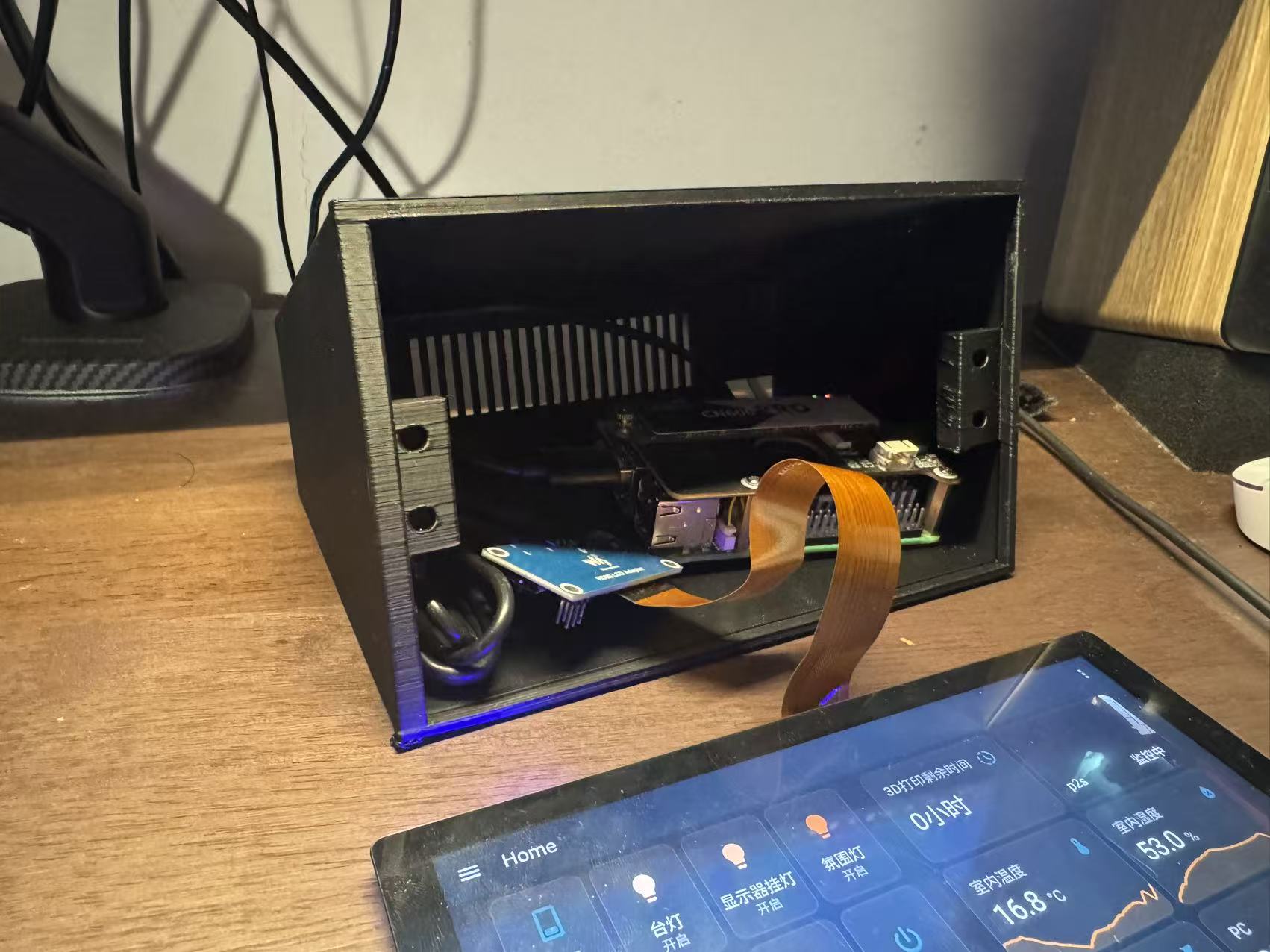
v0.2
v0.3:
Feature: added top cooling slots, enlarged the front screen opening with 1mm clearance, reduced support-printing speed to 80mm/s, switched the shell color to white, and used Bambu’s automatic same-color spool-switching feature.
Issue: the top cooling slots still had a bit of spaghetti failure.
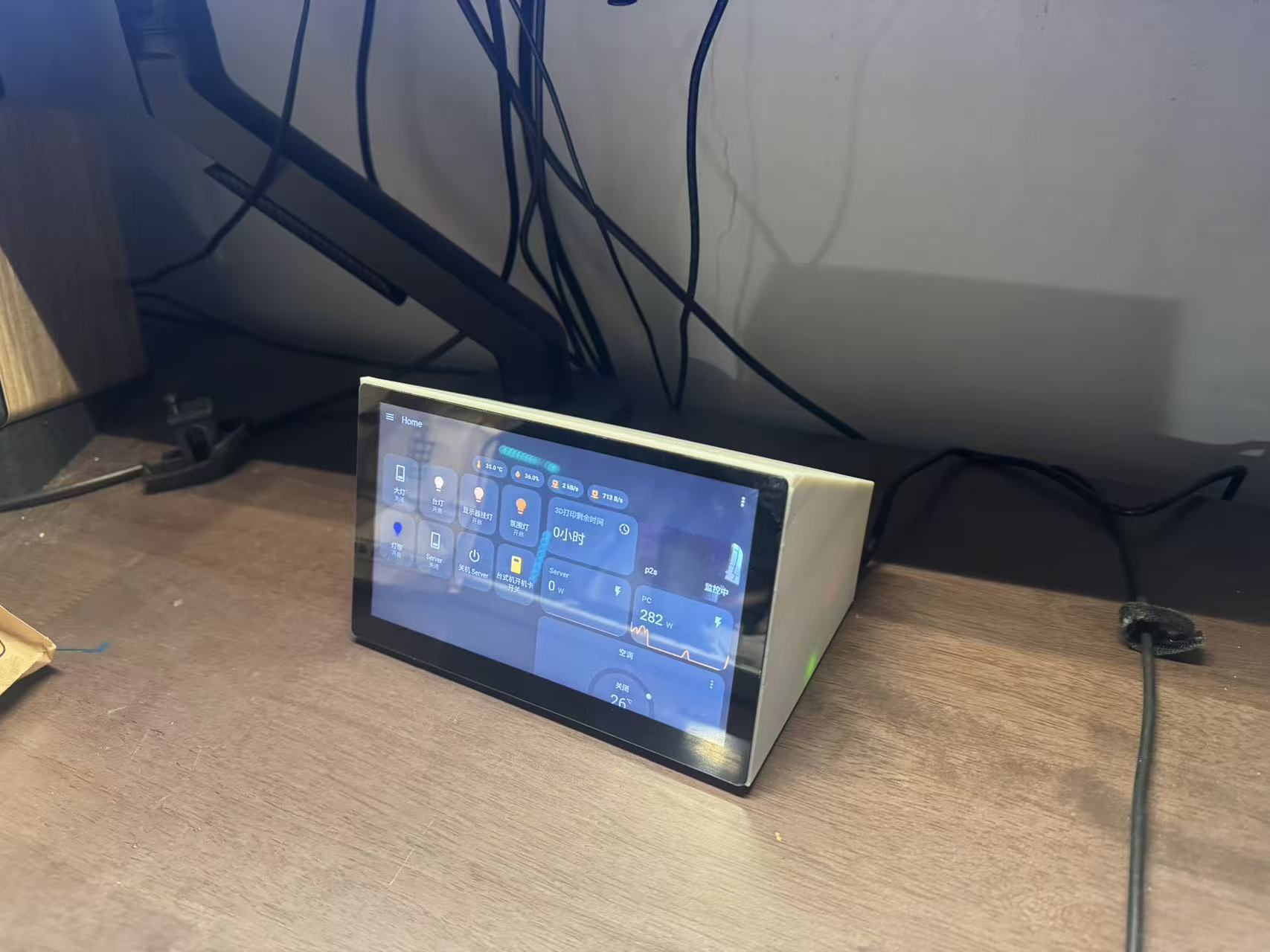
v0.3 front
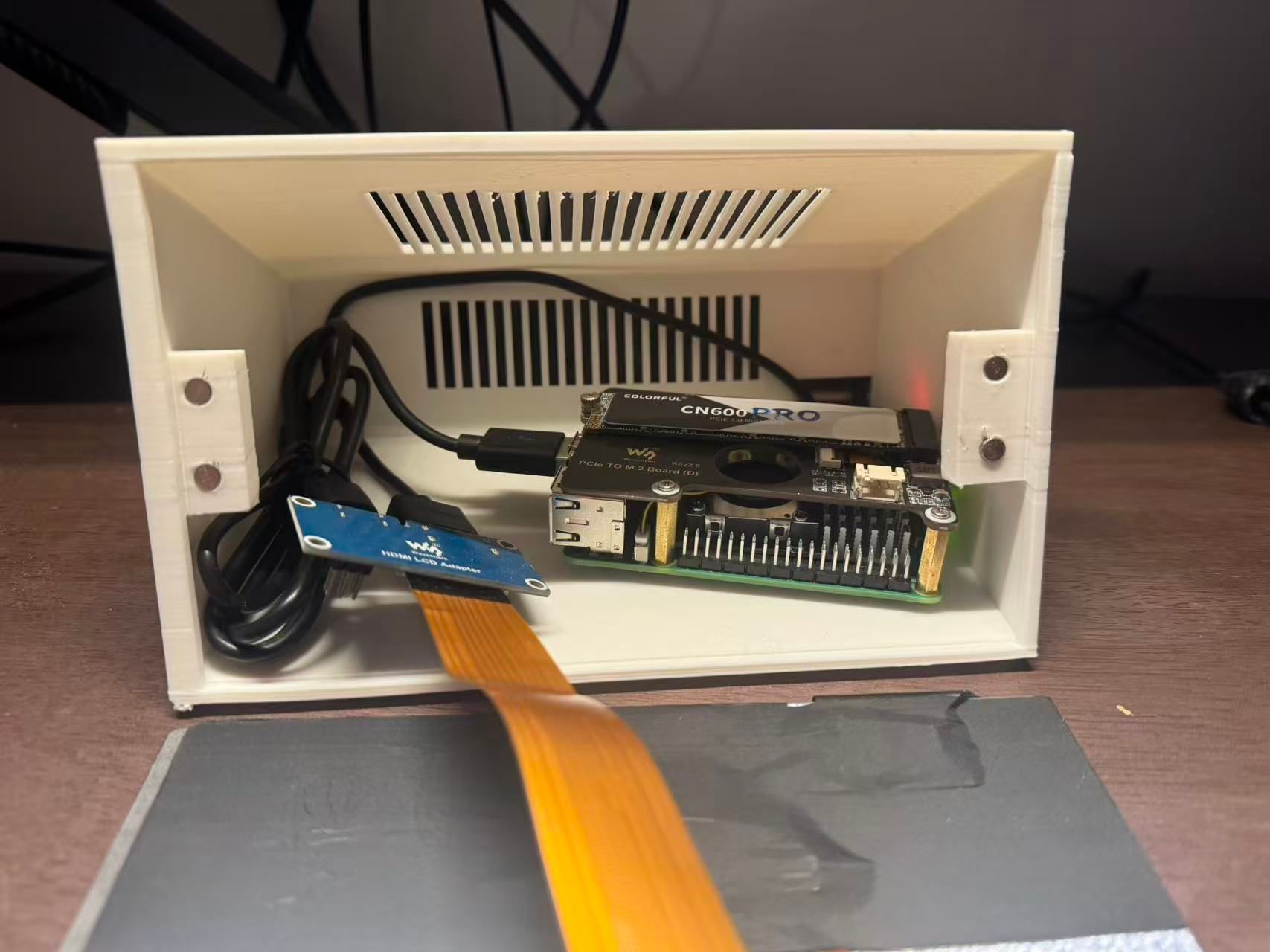
v0.3 inside, with magnets
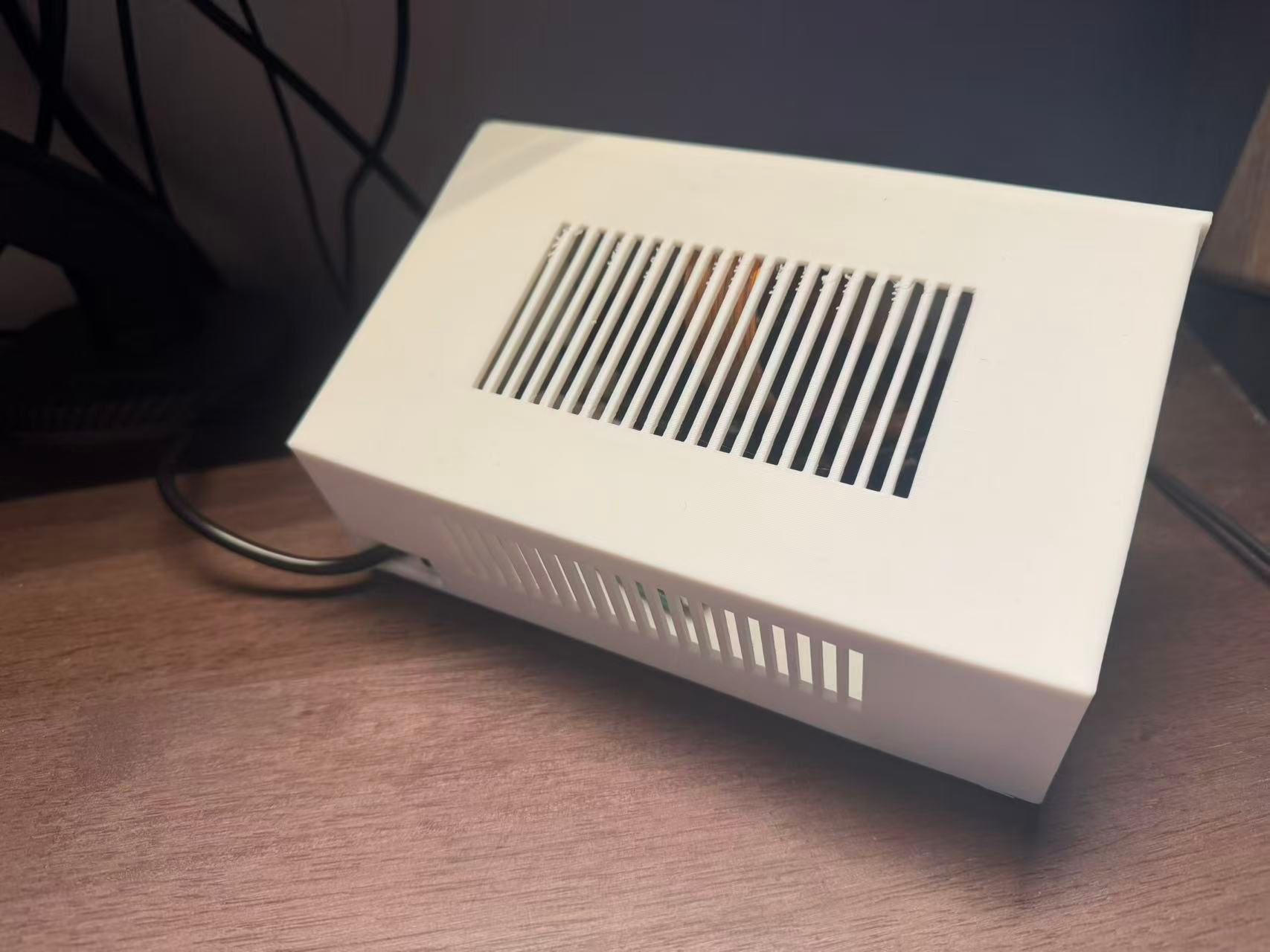
v0.3 rear
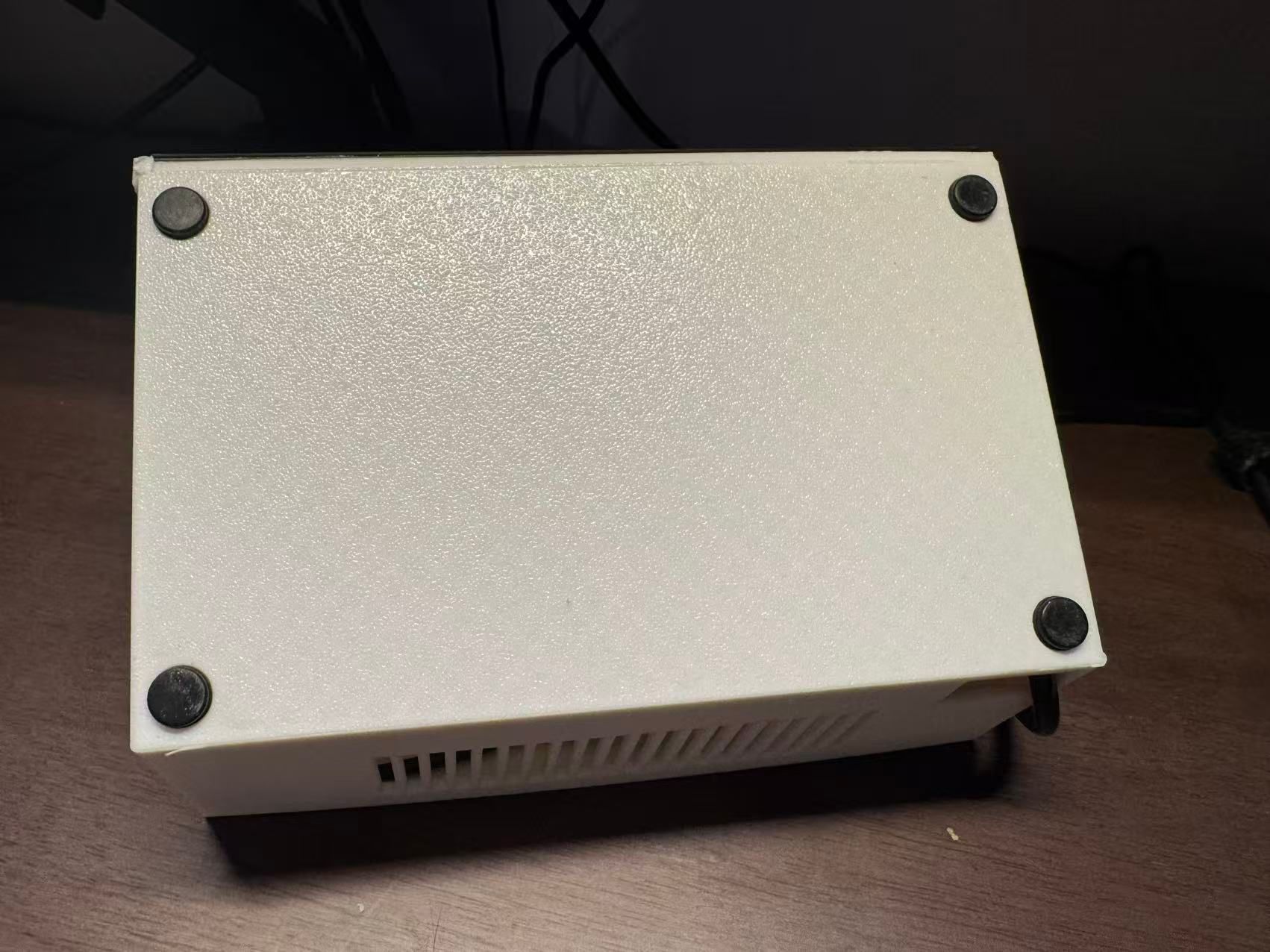
v0.3 bottom, with rubber pads
ESP32 Performance Monitoring Side Display


v0.1 MVP version:
- Windows only
- Serial communication only
- Displays only a fixed UI
[1.44inch Arduino SPI Module ST7735S SKU:MAR1441 - LCD wiki
LCD wiki
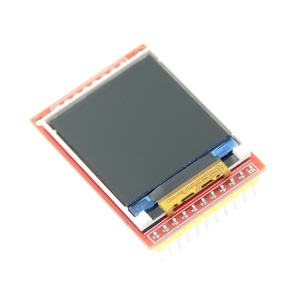
](https://www.lcdwiki.com/zh/1.44inch_Arduino_SPI_Module_ST7735S_SKU%3AMAR1441)
Technical route:
- Soldering
- PCB drawing
- CAD / 3D printing
Reference Links
[3-2-2 Control a NodeMCU development board through a network service - Taichi Maker

Taichi Maker: Arduino, AI, and IoT application, development, and learning materials

https://zhuanlan.zhihu.com/p/463349281
[Home - LCD wiki
LCD wiki

](https://www.lcdwiki.com/zh/%E9%A6%96%E9%A1%B5#top)

ryan4yin